
Step 1: Open the ‘Finder’ Menu:

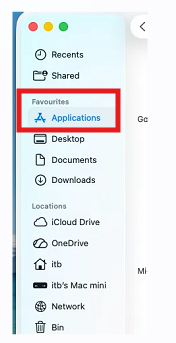
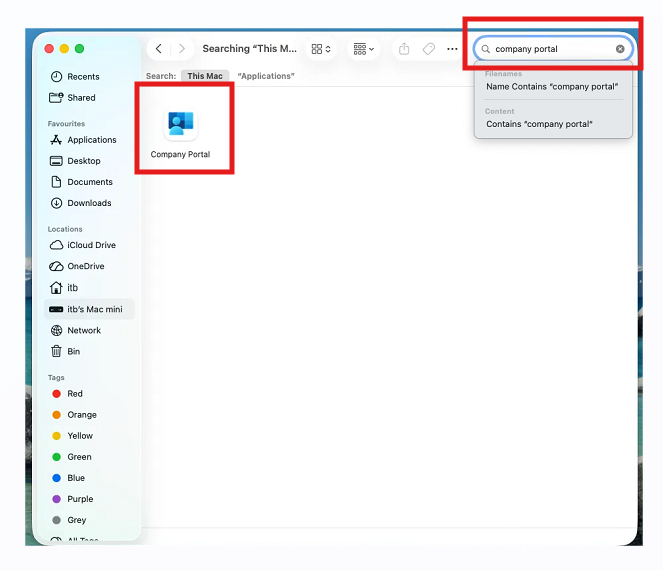
Step 3: Use the search in the top right hand corner to search for ‘Company Portal’
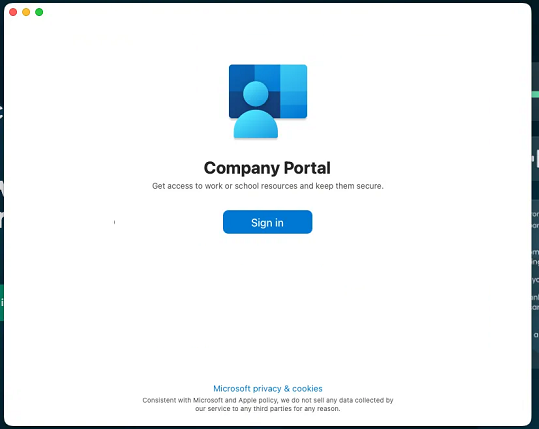
Step 4: Open the Company Portal app and sign into this using your Invisible Collection Email and Password:
Step 5: If your Company portal is already signed in then no further action is required. If signed in the Portal app will look similar to this: 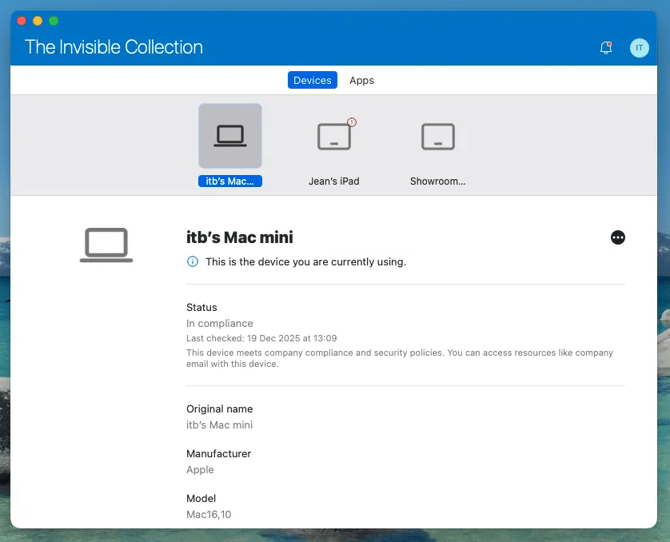
If you cannot find the Company Portal app, are prompted for an admin password, or are unable to confirm that the app is signed in, please open a ticket by emailing support@itinbusiness.com